

New · Inspired by the FastFrames research
Fast FrameAI Video Generator
Type a prompt or drop in a photo and get a short clip back fast. Draft at 480p, keep the shot you like, and re-render it sharper — all in your browser.
Try an idea:
20 free credits on sign-up · no GPU or install needed


Start from a prompt idea
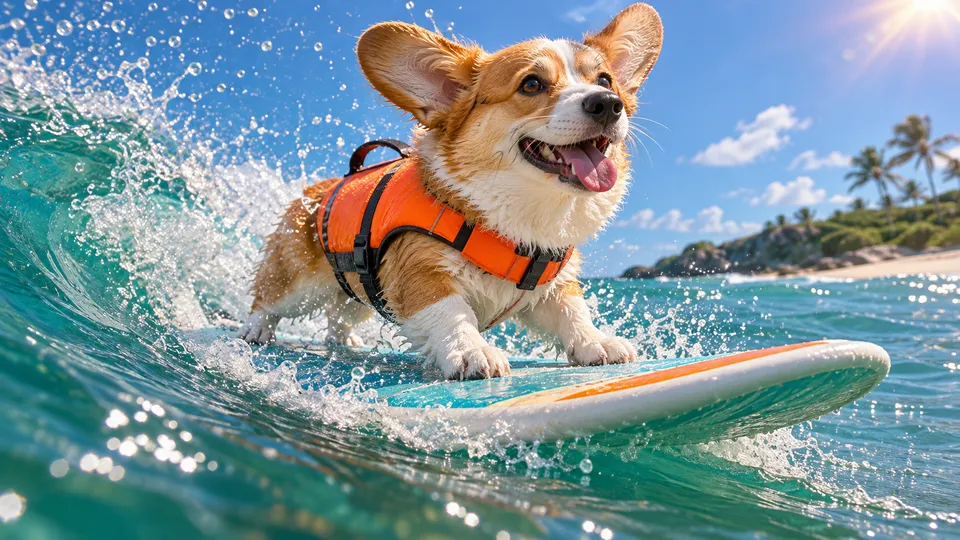
Each card is a working prompt: subject, action, camera and mood. Copy it, or open it in the studio and generate.
Surfing corgi
Prompt idea · 16:9Neon street walk
Prompt idea · 16:9Paper boat in the rain
Prompt idea · 16:9
Misty forest glide
Prompt idea · 16:9
Glowing jellyfish
Prompt idea · 16:9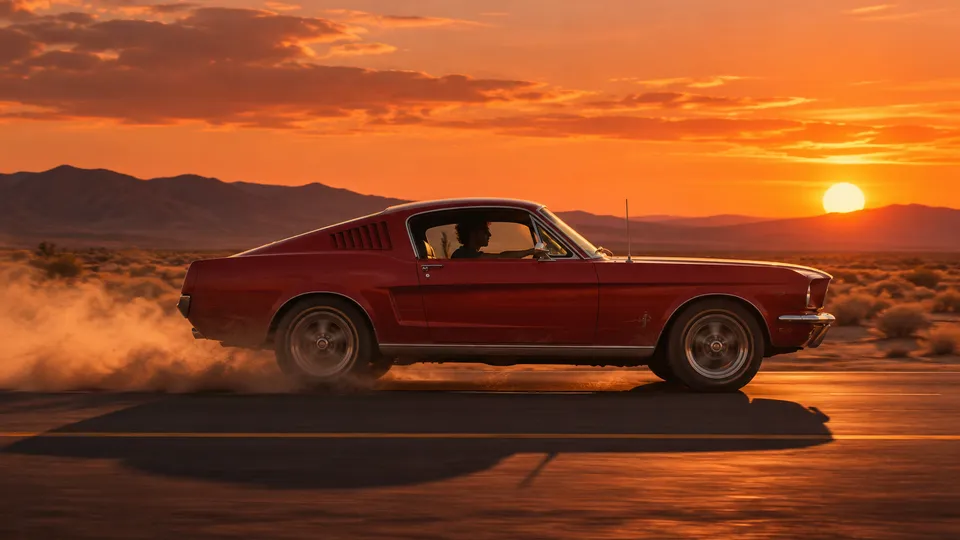
Desert road trip
Prompt idea · 16:9
Ink bloom
Prompt idea · 16:9What is FastFrames?
FastFrames is a research project from Apple and Cornell University, published on November 17, 2026. It released two open-weight text-to-video models — FastFrames-S (1.3B parameters) and FastFrames-L (14B) — that generate 480p video frame by frame at interactive speed: the paper reports about 36 ms per frame for the 1.3B model on a single NVIDIA B200 GPU. The weights are licensed for research use and need a Linux machine with an NVIDIA GPU to run.
FastFramesAI takes the same idea — get a fast 480p draft first, then spend effort only on the shots worth keeping — and puts it in a browser studio you can use today. Our hosted generator is a separate model; Apple's FastFrames weights are not served here.
Read the FastFrames paper| FastFrames (research) | FastFramesAI studio | |
|---|---|---|
| Made by | Apple & Cornell University | Independent web studio |
| How you run it | Your own Linux + NVIDIA GPU setup | Any browser, nothing to install |
| Output | 480p, streamed frame by frame | 5–20 s clips at 480p, 720p or 1080p |
| Input | Text prompt | Text prompt or a starting photo |
| Use | Research license | Create and download your clips |
Built for fast iteration
Four reasons to make your next clip here.
Draft at 480p, finish sharper
Explore ideas at 480p, where renders are quickest. When a take works, re-run the same prompt at 720p or 1080p instead of guessing at full resolution.
No GPU, no setup
Running research video models means CUDA drivers and a data-center GPU. Here you type, click and download — on a laptop or a phone.
Text or photo, one box
Write a prompt for text-to-video, or add a photo and it becomes the first frame of your clip. No mode picker to learn.
Free to start, fair on failure
20 free credits when you sign up cover your first fast clip. If a generation fails, the credits come back automatically.
How to make a fast frame video
Three steps, all in the browser.
- 01
Write a prompt or add a photo
Describe subject, action, camera move and mood — or upload a still to animate.
- 02
Generate a 480p draft
Pick 16:9 or 9:16 and a length from 5 to 20 seconds, then run the quick draft.
- 03
Keep the best take
Download the MP4, or re-render the shot you like at 720p or 1080p.
What people make with fast frame video
Quick drafts are useful anywhere you need to try many ideas before committing to one.
Storyboards & previz
Rough out scenes and camera moves before a shoot or a longer edit.
Social shorts
Vertical 9:16 clips for TikTok, Reels and Shorts, ready to post.
Prompt testing
Test wording, framing and motion cheaply before spending on a premium model.
Product loops
Turn a product photo into a short moving shot for a listing or an ad.
Music & lyric visuals
Generate moody loops and backdrops to cut against a track.
Game & world concepts
Sketch environments and fly-throughs to pitch a look or a level.
Frequently asked questions
What is FastFrames?
FastFrames is a family of fast autoregressive video models from Apple and Cornell University, released on November 17, 2026. FastFrames-S (1.3B) and FastFrames-L (14B, built on Wan2.1) generate 480p video at interactive latency — around 36 ms per frame for the small model on one NVIDIA B200, according to the paper.
Does this site run Apple's FastFrames models?
No. Apple's FastFrames weights are released for research use only. FastFramesAI is an independent studio that runs its own hosted video model with the same fast, 480p-first workflow, so you can make clips without a GPU.
Can I run FastFrames on my own computer?
The official code needs Linux on x86-64, an NVIDIA GPU and CUDA 12.8, and the license limits use to research. If you just want to make videos, the browser studio here needs no setup.
How do I make a fast frame video here?
Sign in, type a prompt (or upload a photo), choose 16:9 or 9:16 and a length, and generate. Start at 480p for the quickest draft, then re-render the shot you like at a higher resolution.
Can I start from an image?
Yes. Upload a photo in the studio and it becomes the first frame; your prompt describes how the scene moves.
How long and what resolution are the videos?
Clips run 5, 10, 15 or 20 seconds at 480p, 720p or 1080p, in 16:9 landscape or 9:16 vertical.
Is FastFramesAI free to try?
Yes. New accounts get 20 free credits — enough for a first fast clip — with no card required.
Start free, upgrade when you need more
Sign up for free credits, then choose a plan or a credit pack. Failed generations are always refunded.
See plans and pricingMake your first fast frame video
20 free credits when you sign up. Draft in 480p, keep what works.